





Shop/Products // Switches, Sockets and Scene Panels //

Smart Switches, Sockets & Scene Panels

Smart switches, sockets and scene panels give people a simple physical control in the room while keeping the underlying equipment on your network. A press can switch a light, recall a preset scene, trigger an alert or report a request back to the building management system, all without running new control wiring to the wall.

Our range covers wireless wall switches for lighting and small power, multi button scene panels for meeting rooms and shared spaces, metered smart sockets, and single button devices used for cleaning requests, room feedback and assistance calls.

Because they communicate over LoRaWAN or EnOcean, and several are self powered by the press itself, they can be fitted anywhere a switch is needed rather than only where a cable happens to run. That makes them straightforward to retrofit into occupied buildings.
Smart Switches, Sockets, and Scene Panels

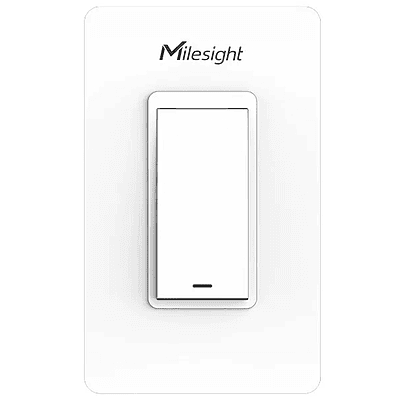
Milesight WS501 Smart Wall Switch
£59.00
Milesight WS501 Wall Switch
£41.00
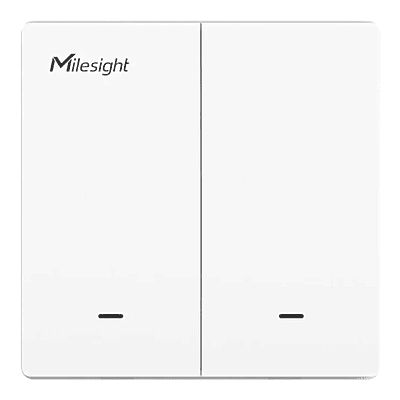
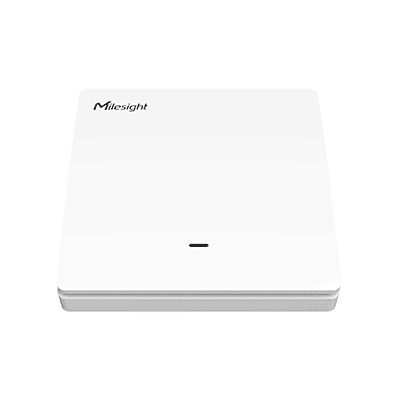
Milesight WS502 Wall Switch
£41.00
Milesight WS136/WS156 LoRa Smart Scene Panel
£46.00 - £69.00
Milesight WS101 LoRaWAN Smart Button1
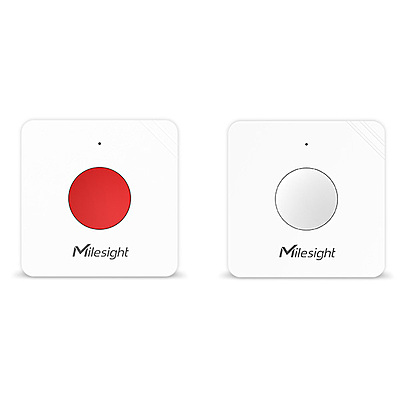
Milesight WS101 LoRaWAN Smart Button
£38.00
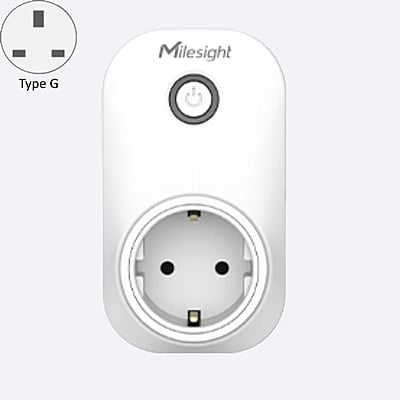
Milesight WS523 LoRaWAN UK Socket Type G
£59.00
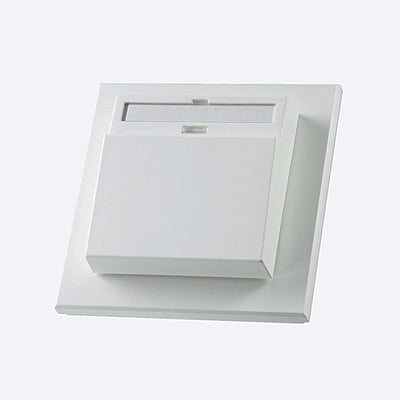
SR-KCS
SR-KCS
£26.00
SR-KCSAdd to Cart
£26.00
SR-KCS02
SR-KCS02
£54.08
SR-KCS02Add to Cart
£54.08
SR06-KCS
SR06-KCS
£27.04
SR06-KCSAdd to Cart
£27.04

FAQ

What is the point of smart switches?
The point is that a smart wall switch becomes a control input to your building system rather than just a break in a circuit. A conventional switch does one thing to one load, and it can only exist where a cable was run when the building was wired. A smart switch sends a wireless message instead, which means what it controls is a matter of configuration as opposed to conduit. The same switch can control a light today and a different circuit next month, or control several at once, or simply tell the BMS that someone wants something without switching anything at all. This has three practical consequences:
  • You can put a switch where people actually want one (no chasing walls and no rewiring). EnOcean models harvest energy from the press itself, so they need no battery and no supply, and can be stuck to a glass partition if that is where it makes sense.
  • Local control survives central control. Automated lighting and heating fail when occupants have no way to override them, and the usual result is someone taping over a sensor. A switch gives people the manual control they expect while the system keeps the schedules and setbacks.
  • You get data from the interaction. Knowing which spaces are switched on, when, and how often is useful in its own right for understanding how a building is genuinely used.
How will smart sockets help my facility?
A smart socket does two jobs: it measures the load plugged into it, and it lets you switch that load remotely or on a schedule. The measurement side is usually where the value is. Small power is one of the least visible parts of a building's consumption, and it is often larger than people assume once you count monitors, heaters, vending machines, water coolers and kitchen equipment. Metered sockets tell you what is drawing power, when, and how much, which turns an assumption into a number you can act on.

The switching side deals with what that data reveals. Typical uses include:
  • Out of hours shutdown - kill non-essential small power overnight, at weekends and over holiday closures, which is frequently the single largest quick win in an office.
  • Unauthorised appliances - personal fan heaters are a common and expensive problem, and a metered socket makes them visible.
  • Remote reset - power cycle a frozen display, router or piece of AV kit without sending someone to site.
  • Occupancy linking - tie small power to room booking or occupancy so an empty space is not powering equipment.
  • Tenant and department recharging - attribute consumption accurately rather than apportioning it.
How do scene panels integrate within a facility?

A scene panel is a multi button wall control where each button triggers a stored combination of settings. One press might set lights to a presentation level, close the blinds and adjust the setpoint together. Integration works through the same wireless infrastructure as the rest of your sensors: the panel sends its message over LoRaWAN or EnOcean to a gateway, which passes it to the building management system or controls platform. That platform holds the logic, so what each button does is defined centrally and can be changed without touching the panel or the wiring.


In practice they are used in meeting and board rooms, lecture theatres and training spaces, hospitality and event areas, and reception spaces - anywhere a room has several modes of use and you want staff or occupants to switch between them reliably.


You should label the buttons in plain language that matches how people describe the room's use, because a panel of unlabelled icons will be ignored. Decide in advance how a scene ends, whether it times out, reverts on occupancy or holds until the next press, since a room left in presentation mode all night defeats the purpose.

Items have been added to cart.
One or more items could not be added to cart due to certain restrictions.
Added to cart
- There was an error adding to cart. Please try again.
Quantity updated
- An error occurred. Please try again later.
Deleted from cart
- Can't delete this product from the cart at the moment. Please try again later.